
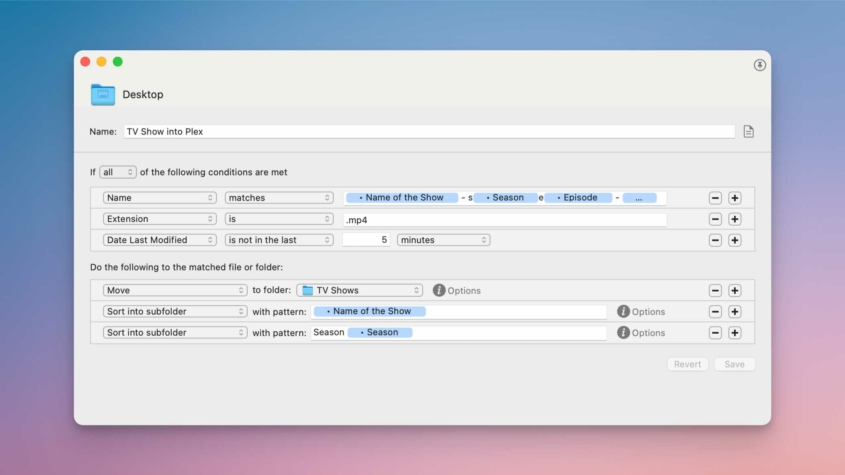
Tag Archive for: Tutorial

I remember binge-watching Smallville via DVDs that Netflix sent to me in the mail. I would watch four episodes in a row, then mail back the DVD and wait days for the next one to arrive so I could get the next four episodes. When streaming arrived, it was a miracle!

Sadly, a miracle that was too good for this world. Streaming has been on a steady decline for the past several years, while prices seem to increase more frequently than new seasons of hit shows are released. Streaming has turned into cable TV, and the magic is gone.

That is until I found Plex. Check out my original Plex post for more details about setting up a Plex server.

Read more
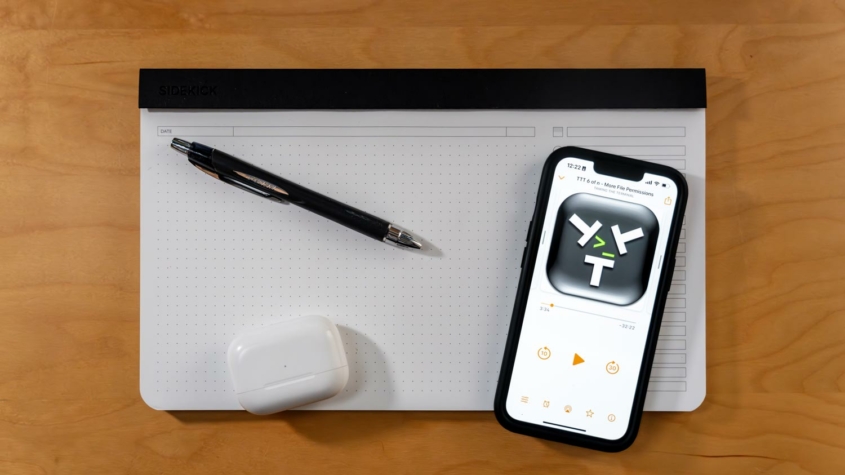

A few days ago, on a forum post, I saw mention of a podcast series called “Taming the Terminal.”

It turns out this is yet another example of why the open internet is awesome.

With the help of ChatGPT, I have been feeling more confident about writing code and working in the Terminal, so I figured I would check out this podcast to learn more about it.

Read more

I have become obsessed with checklists since reading The Checklist Manifesto. Automating checklists is even better!

Here is a video explaining how I use Drafts to write, store, and revise my checklists (e.g., project templates) to use in Things.

Read more

As I have explained before, I try to deal with stressful situations by planning ahead, most often through checklists or automations.

Deciding to keep my sick kid home from school and communicating with his teacher(s) and the staff quickly is just such a situation. I have created two Drafts accounts to help me in those times.

Read more

If you work on a mac and you are trying to reduce the repetitive tasks in your life, improve the quality of your work, or just save time, Keyboard Maestro is the best $36 you can spend. But, it can be an intimidating app when you open it. Let me give you a head start!

This post has five one-step macros to get you started using Keyboard Maestro. You can build them yourself by watching the video or checking out the screenshots, or use the download buttons to get a copy of mine.

Read more